
Introduction
A black spot on your iPhone screen can quickly go from being a minor nuisance to a major obstacle. Left unattended, these spots may expand, impairing the usability of your device. This article explores the causes behind these spots, practical solutions, and preventive measures to keep your iPhone screen in excellent condition.
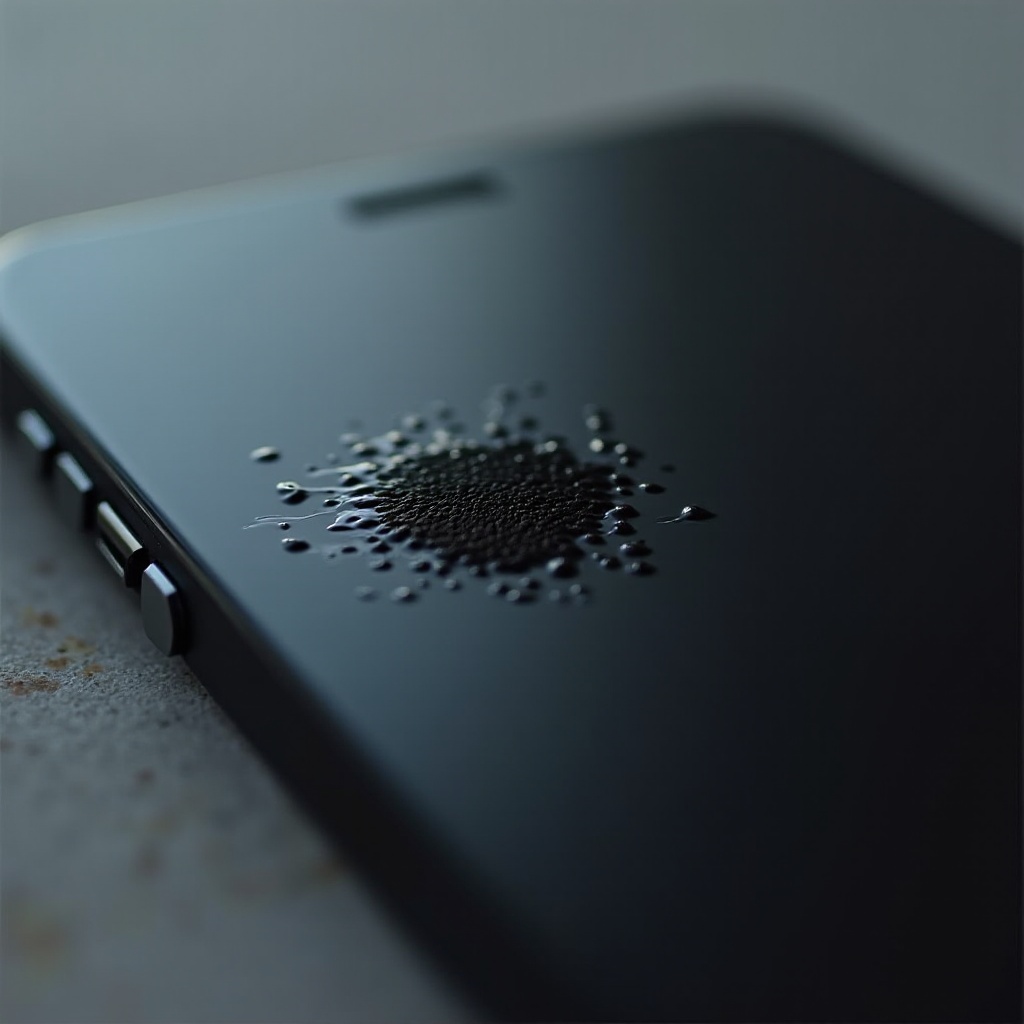
What Causes Black Spots on iPhone Screens?
Black spots on your iPhone screen can originate from several sources. Understanding these can guide you toward an effective resolution.
-
Dead Pixels and Manufacturing Defects: Dead pixels, often due to manufacturing lapses, can appear as small black spots. These may progressively worsen, particularly when located in high-stress areas on the screen.
-
Physical and Liquid Damage: Physical impacts, like dropping your phone, can lead to visible black spots. Similarly, exposure to liquids can damage screen components, manifesting as dark spots.
-
Software Glitches: Occasionally, software problems may cause temporary screen issues. Installing updates or restarting the device might resolve these glitches.
Grasping these possible causes allows us to better diagnose the issue and explore solutions.
How to Diagnose the Problem
Proper diagnosis is the first step towards resolving screen issues effectively. Follow these steps:
-
Physical Inspection and Initial Diagnosis: Begin by inspecting the phone for any visible signs of damage such as cracks or dents. If the black spot seems more like a bruise, it’s likely caused by physical damage.
-
Using Diagnostic Tools and Apps: Utilize specialized apps designed to check for dead pixels and screen uniformity issues. These can identify malfunctioning portions of the screen.
-
Consulting Apple Support or Professionals: When in doubt, contact Apple Support or a certified repair professional for a comprehensive diagnostic check on your device.
With an accurate diagnosis, we can now consider the repair options available.
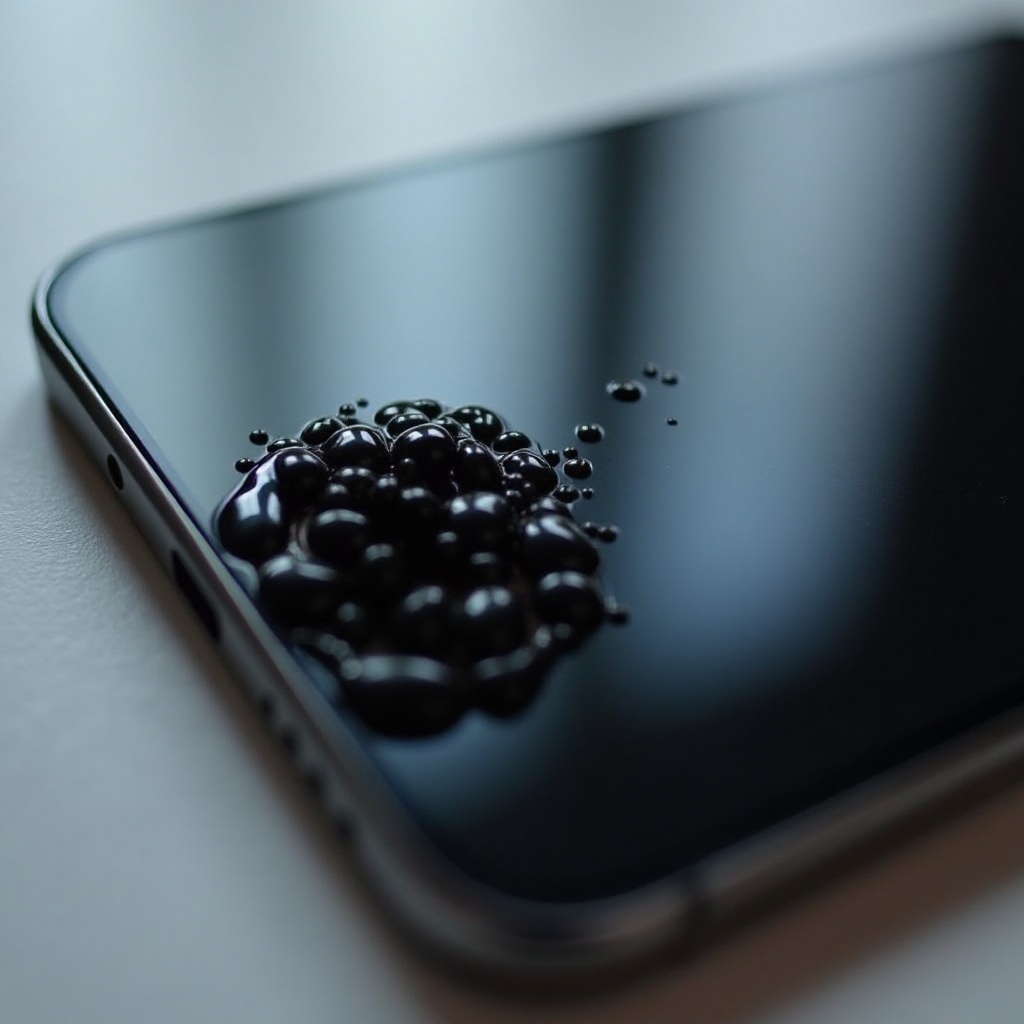
DIY Fixes for Minor Screen Issues
For minor issues, consider these DIY fixes to tackle the black spots:
-
Restarting Your Device and Software Updates: Sometimes, a simple restart can resolve temporary glitches. Ensure your software is updated, as updates often contain fixes for such issues.
-
Utilizing Screen Repair Apps and Tips: Certain apps offer solutions for dead pixels. While not foolproof, these are worth trying before pursuing further repairs.
-
Gently Massaging the Screen: For very minor pixel issues, gently pressing around the spot could temporarily fix the problem.
When DIY solutions fall short, professional repair becomes the logical next step.
When to Seek Professional Repair Services
Professional repair is necessary when screen problems persist or worsen.
-
Identifying Severe Damage: If the black spot continues to expand after attempted fixes, it may indicate serious internal damage. Other indicators include cracks spreading from the spot.
-
Selecting Certified Repair Services: Choose an Apple-certified repair shop or authorized service provider. Always verify their credentials to ensure quality repairs.
-
Understanding Costs and Warranty Policies: Before repairs, review cost implications and check if your warranty or AppleCare+ covers the damage.
Once repaired, prevention is key to avoiding future screen issues.
Preventive Measures to Protect Your Screen
Preventing damage can save you time and money. Here are some essential tips:
-
Using Screen Protectors and Cases: Invest in quality screen protectors and durable cases. These provide a crucial buffer against both impact and scratches.
-
Avoiding Liquid Exposure and Extreme Conditions: Keep your phone away from liquids and avoid exposing it to extreme temperatures, as these can damage the screen.
-
Routine Maintenance and Care Tips: Clean your phone regularly with a soft cloth and check periodically for any early signs of screen issues. Address small problems early to prevent escalation.
With careful attention and preventive care, you can protect your iPhone from developing pesky screen issues.

Conclusion
Tackling black spots on an iPhone screen involves understanding the underlying causes, diagnosing the issue accurately, and knowing when professional help is warranted. By adopting preventive measures, you can maintain your device’s screen integrity, ensuring a smooth and unhindered user experience.
Frequently Asked Questions
Can a black spot on an iPhone screen be fixed at home?
Minor issues may be resolved at home through updates, restarting, or gently massaging the screen, but severe spots typically require professional repair.
How much does it cost to repair an iPhone screen with black spots?
Without warranty coverage, repair costs can range from $100 to $300, depending on damage severity and repair complexity.
Will AppleCare+ cover repairs for black spots on the screen?
AppleCare+ often covers screen repairs due to accidental damage for a service fee. Check your specific plan for coverage details.