
Introduction
Facing an unresponsive TCL Roku TV can be particularly frustrating when you are ready to unwind with your favorite shows. The good news is that this problem can often be resolved with a few simple troubleshooting steps. This guide will walk you through various solutions to address this issue and get your TV up and running again.
Initial Power Checks
Begin by confirming that your TCL Roku TV is properly receiving power. Often, power-related issues are the easiest to solve and provide a quick fix for the TV.
-
Verify Power Connection: Ensure that the TV’s power cable is firmly plugged into an operational outlet. A loose connection can often be the simple cause behind the issue.
-
Examine Power Outlet: Confirm the power outlet is working by plugging in another device. If it does not work, consider using a different outlet.
-
Assess Power Cable Condition: Check the cable for any signs of wear or damage. A compromised power cable can prevent the TV from turning on. Replace it if needed.
Once power supply issues are resolved, it is essential to consider the functionality of the remote control, as this is a common area where problems can occur.
Addressing Remote Control Issues
Remote control failures can prevent your TV from turning on, even when the TV itself is functioning correctly. Address these potential issues with the remote.
-
Confirm Remote Functionality: Test the remote’s batteries by either replacing them or trying them in another device. Weak batteries can render the remote ineffective.
-
Steps to Reset the Remote: Press and hold the pair button for about 20 seconds to reset. Resetting can clear any temporary glitches.
-
Using the TV Power Button: If the remote fails, turn the TV on using the power button on the TV itself. If this works, the remote is likely the culprit.
When remote and power checks do not yield results, a power cycle might resolve temporary software hang-ups in the TV.
Performing a Power Cycle
A power cycle can refresh your TV’s memory and clear minor glitches that may prevent it from turning on. Here’s how to proceed:
-
What is a Power Cycle? A power cycle involves unplugging the device to allow its electrical components to reset.
-
Steps to Power Cycle Your TV: Turn off your TV, unplug it from the wall, and wait about a minute. Plug the TV back in and attempt to turn it on using the TV power button.
If the TV remains unresponsive, it’s time to review potential issues with the input source selection.
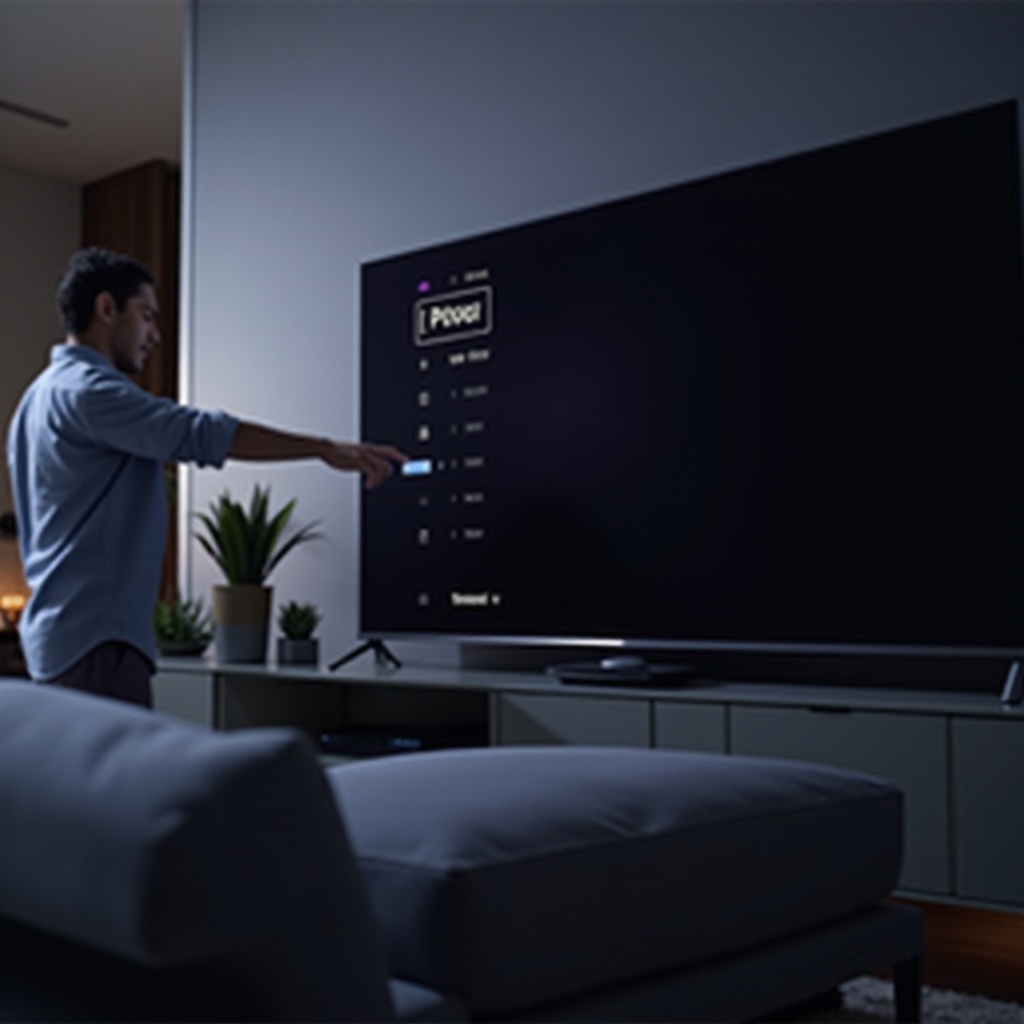
Diagnosing Input Source Problems
Select the correct input source to ensure this isn’t causing a display issue instead of a power issue.
-
Understanding Input Source Errors: Ensure the right input source is selected, as selecting the wrong source can make it seem like the TV isn’t turning on.
-
Changing the Input Source: Use the remote or TV buttons to switch through different input sources until your connected device displays as expected.
Resolving input errors ensures the TV is set up correctly. If issues persist, hardware concerns might need to be addressed.
Investigating Hardware Concerns
If troubleshooting hasn’t helped, the problem may lie with the TV’s hardware components. Here’s how to approach potential hardware issues.
-
Identifying Potential Hardware Issues: Look for visible damage such as cracked screens or damaged ports. Internal issues could also be present if these steps haven’t worked.
-
When to Seek Professional Help: Should you discover hardware damage, consult with a professional technician to repair or replace faulty components. Attempting these repairs yourself might lead to warranty voiding or further damage.
If you’ve exhausted these steps, it’s a good time to reach out to TCL support for additional assistance.
Contacting Support and Additional Resources
Despite thorough troubleshooting, professional input may be required if your TV remains unresponsive.
-
How to Contact TCL Customer Support: Check TCL’s official website for contact options like phone numbers, chat interfaces, or email support, which can offer advanced troubleshooting.
-
Information to Provide When Seeking Help: Have details such as your TV’s model number, purchase information, and a summary of your troubleshooting steps to facilitate a smooth support experience.
Conclusion
In summary, while dealing with a TCL Roku TV that won’t turn on can be troublesome, taking systematic troubleshooting steps often resolves the issue. If these measures don’t help, consider professional services for more complex repairs.
Frequently Asked Questions
How do I soft reset my TCL Roku TV?
To soft reset, unplug the TV, wait about 30 seconds, and then plug it back in. This action can clear minor software glitches.
Can a power surge affect my TV turning on?
Yes, power surges can damage internal components. Using a surge protector can help prevent such damage.
Are there any permanent fixes for recurring power issues?
Persistent issues may require professional repair or replacement of components on your TV to achieve a permanent fix.