
Introduction
Unlock the potential of the Wii Fit Board by ensuring it is expertly connected to your console. This guide provides a comprehensive, step-by-step approach to mastering this process, ensuring a smooth gaming and exercise experience from start to finish.
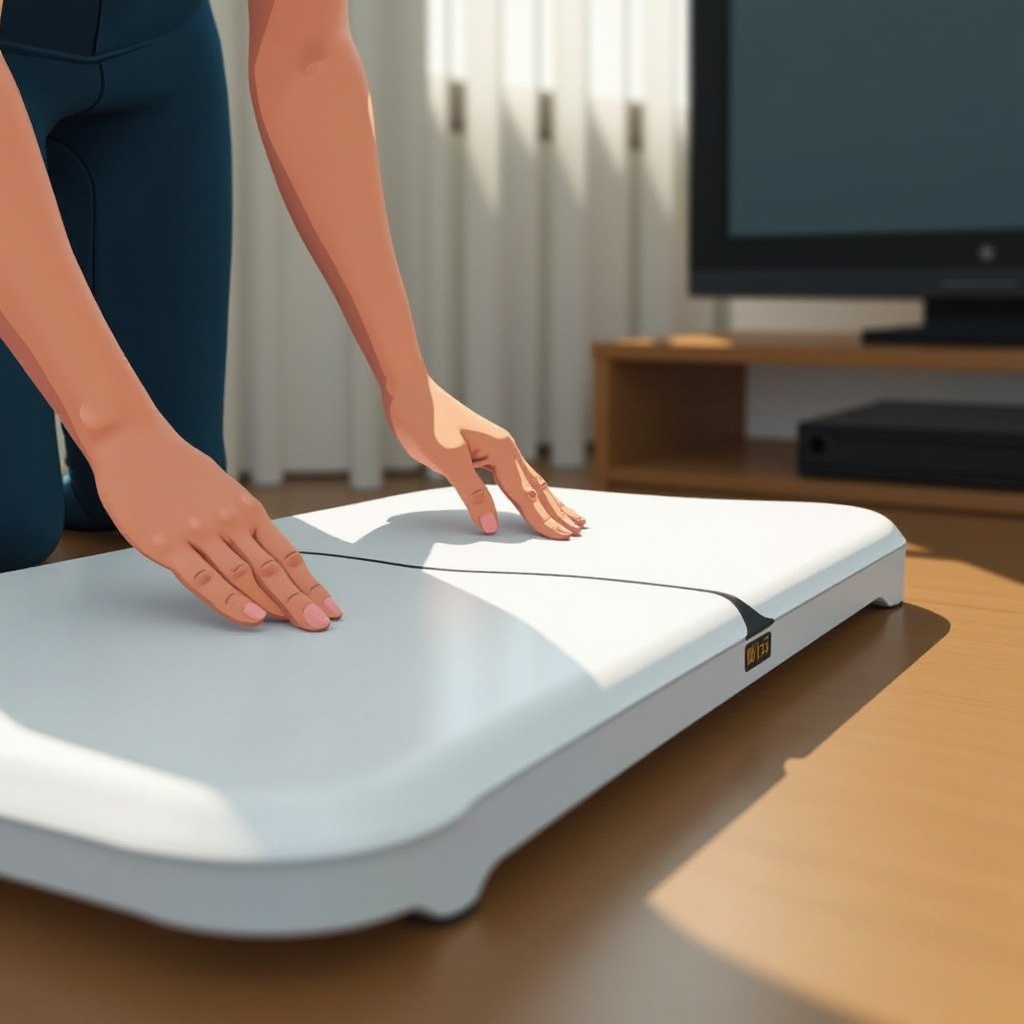
Understanding the Wii Fit Board
Before proceeding to the setup, it’s essential to understand what the Wii Fit Board offers. This innovative accessory enhances your gaming experience by using pressure sensors to detect your movement and translate it into on-screen actions. Knowing its components and functionality gives you an edge when setting it up.
Let’s transition from understanding its functionality to preparing for the connection. With a solid understanding, you’ll be better equipped to ensure all elements are in place for a successful connection.
Preparing Your Wii Fit Board for Connection
Begin by carefully unpacking the Wii Fit Board. Ensure you’re equipped with batteries and all components are intact. Place it on a stable, flat surface near your Wii console. This helps avoid connection issues later.
– Unpack and inspect the board for any visible damage.
– Make sure you have the necessary batteries.
– Ensure the area around your console is prepared for easy access.
With preparation complete, you’re ready to initiate a connection between the board and your console, starting with physical placement.
Connecting the Wii Fit Board to Your Wii Console
Connecting the Wii Fit Board to your Wii console involves several straightforward steps:
1. Insert the batteries into the Wii Fit Board.
2. Power on your Wii console, opening the main menu.
3. Press the ‘Sync’ button on the board inside the battery compartment.
4. Press the ‘Sync’ button on the Wii console. Find this button behind the front flap.
5. Verify the lights on the board stabilize, indicating a successful link.
With the board connected, you can now focus on ensuring that it’s functioning correctly.
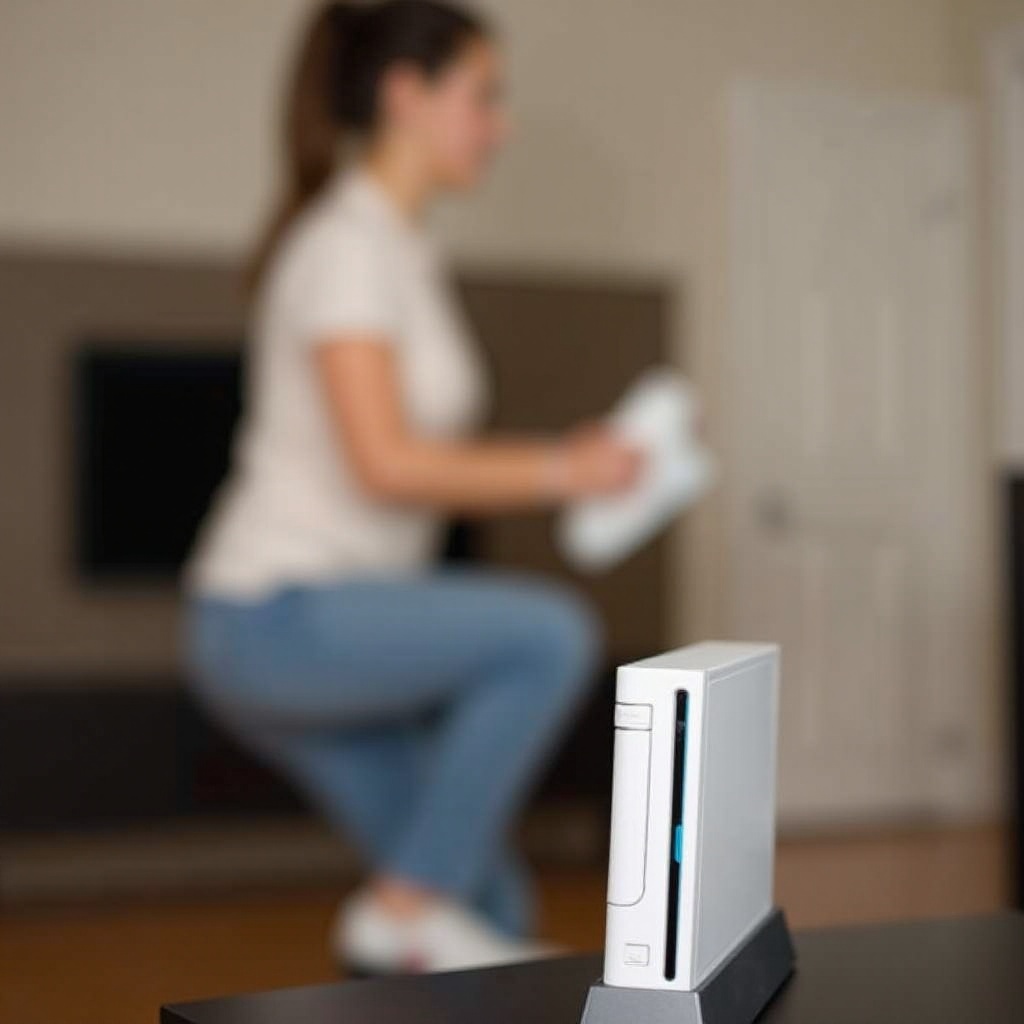
Syncing the Wii Fit Board with Your Console
A stable sync optimizes the Wii Fit Board’s functionality. Follow these steps or troubleshooting tips if the connection becomes problematic:
– Confirm the board is in range of the console.
– Check the battery installation and charge.
– Restart and attempt the sync again if issues persist.
Now that the sync is secured, you can enhance your experience by making full use of the board’s features.
Enhancing Your Wii Fit Experience
Ensure the best interaction with your Wii Fit Board:
– Use a non-slip mat for additional stability.
– Experiment with a variety of board-compatible games.
– Regularly calibrate for precise movement tracking.
By adopting these practices, you’ll maximize your entertainment and workout routines.
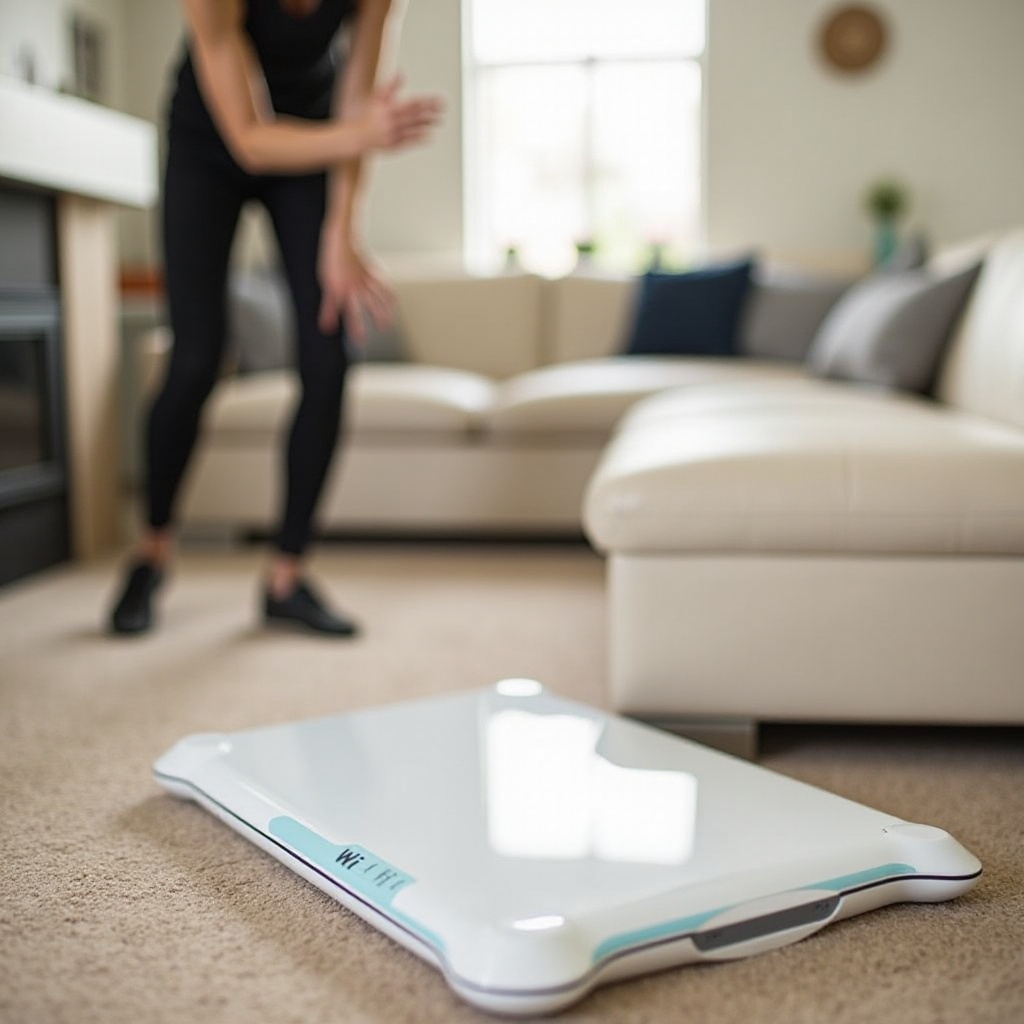
Maintaining and Troubleshooting Your Wii Fit Board
Extend the life of your Nintendo accessory with proper upkeep:
– Keep the board clean and free from dust accumulation.
– Regularly replace batteries to maintain performance.
– If issues arise, re-sync and examine for physical damage immediately.
Consistent care not only extends the board’s lifespan but ensures optimal performance.
Conclusion
By following this detailed guide, you’ve effectively connected your Wii Fit Board for optimal use. This setup will enhance your gaming sessions and fitness regimen, allowing you to enjoy the full spectrum of options available to you.
Frequently Asked Questions
How do I know if my Wii Fit Board is charging?
Check the LED lights on the board. A steady light indicates power readiness, while flashing suggests low battery.
Can I connect my Wii Fit Board to a newer console?
Compatibility varies. Some adapters allow connection, but research specific models for confirmation.
What games can I play with the Wii Fit Board?
Games like Wii Fit Plus and additional balance-based activities are compatible. Explore your console’s library for more options.