
Horizontal lines across your TV screen can be frustrating and disrupt your viewing experience. It’s a common issue that can stem from several causes, ranging from simple cable connections to more complex internal faults. Understanding how to identify and remedy these issues is key to regaining an enjoyable viewing experience without incurring significant costs.
Introduction
Horizontal lines on your TV screen can severely spoil your viewing enjoyment. This issue can indicate anything from a minor cable problem to significant internal hardware faults. Addressing these problems quickly is essential to ensure your TV continues to deliver high-quality visuals. This guide will walk you through identifying common causes, troubleshooting tips, and possible solutions, equipping you to handle those disruptive horizontal lines effectively.
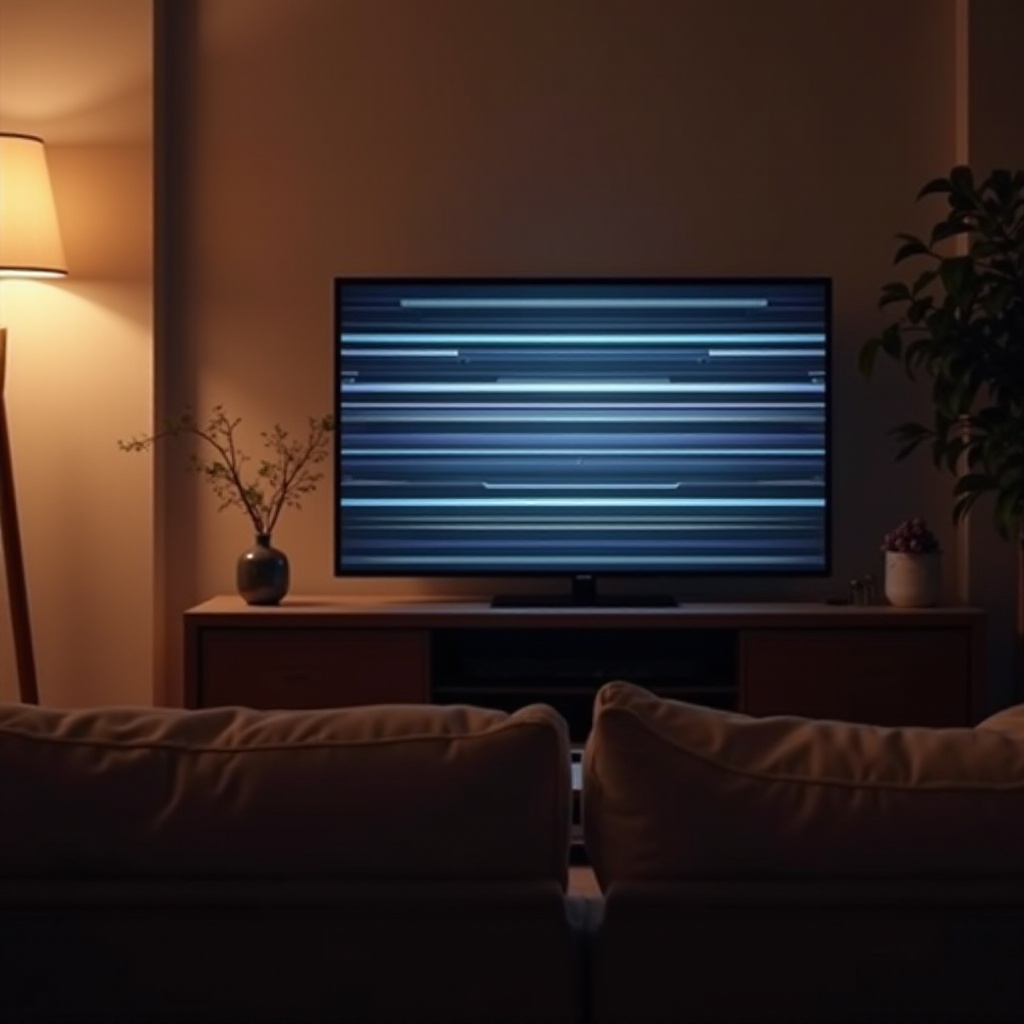
Common Causes of Horizontal Lines on TV Screens
Several factors may contribute to the appearance of horizontal lines on your TV screen. Pinpointing these causes is the initial step in finding a solution.
-
Loose or Damaged Cables: Often, faulty or improperly connected cables, especially HDMI cables, are the root cause. Ensure that they are connected securely and are in good condition.
-
Hardware Malfunctions: Internal components like the T-CON board might fail over time, causing display issues like horizontal lines. This could necessitate repair or replacement by professionals.
-
Screen Damage: Physical harm inflicted on the screen due to impacts or pressure can also lead to horizontal lines. In such scenarios, replacing the screen might be required.
Understanding these causes helps streamline the troubleshooting process and determine when professional help may be needed.
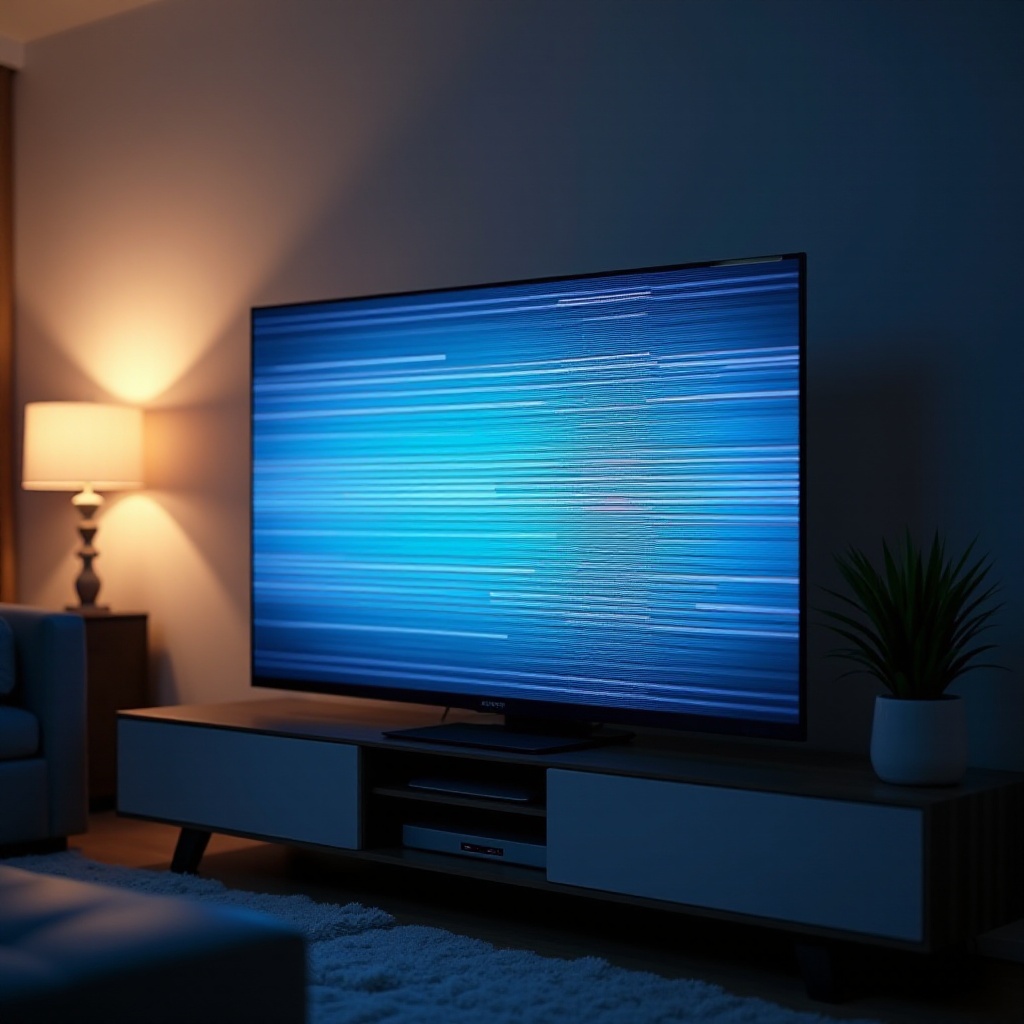
Quick Troubleshooting Steps
Before engaging in expensive repair processes, try these basic troubleshooting steps to resolve the issue yourself:
-
Check and Secure Cables: Verify that all cables are connected properly. Disconnect and reconnect both HDMI and power cables, ensuring that they are secured tightly.
-
Run a Picture Test: Utilize the TV’s built-in diagnostic feature to identify and possibly fix problems. This can be accessed through the TV’s settings menu.
-
Update Firmware and Software: Manufacturers frequently release updates to solve issues, including display problems. Ensure your TV’s firmware is current by checking the software update section in your TV settings.
Complete these checks and observe whether the problem of horizontal lines persists to determine the next appropriate steps.
When to Call in the Professionals
If basic troubleshooting doesn’t resolve the issue, it might be time to consult the experts. Knowing when to involve professionals can help avoid further complications:
-
Recognizing Severe Issues: Persistent or worsening horizontal lines after basic troubleshooting may indicate a serious underlying issue.
-
Choosing a Reliable Repair Service: Consider working with authorized service centers or reputable repair shops. Research reviews and compare prices to ensure quality service at a fair price.
Understanding your limits with DIY repairs is crucial to preserving your television’s functionality and addressing issues safely and effectively.
Preventive Measures to Avoid Display Issues
Taking proactive steps can help prevent future issues with your TV screen:
-
Proper Cable Management: Regularly inspect and organize cables to prevent loose connections and minimize static interference.
-
Regular Maintenance: Clean your TV to remove dust and check for visible damages. Keep ventilation areas clear to prevent any chances of overheating.
-
Environmental Considerations: Ensure that your TV is situated in a stable, dry environment. Excessive moisture, heat, or cold can damage its electronic components.
Taking these preventive actions could save time and money on repairs, ensuring your TV remains in excellent condition.
Advanced Repair Options for Tech Enthusiasts
If you have a flair for technology, you might attempt some advanced repairs at home:
-
DIY Screen Repair Tips: For minor physical damages, certain repair kits can aid in fixing screen issues. Only proceed if you are comfortable handling electronics.
-
Internal Component Inspection: Carefully remove the TV’s back panel to inspect components like the T-CON board for any visible damage.
-
Tools Needed for Advanced Repairs: Equip yourself with precision tools and multimeters to diagnose and repair internal components effectively.
Approaching these repairs with caution and the right tools can lead to successful DIY fixes for those experienced in electronics.
Conclusion
Addressing horizontal lines on your TV screen involves a mix of careful troubleshooting and preventive measures. Whether it’s fixing connection issues or consulting professionals, such actions are vital for maintaining a top-notch viewing experience.
Frequently Asked Questions
Why does my TV have horizontal lines only on certain channels?
This could be due to signal issues specific to those channels. Try adjusting the antenna or cable box settings.
Can software updates really fix horizontal line issues?
Yes, software updates often contain fixes for bugs that might cause screen display problems, including horizontal lines.
Is it more cost-effective to repair or replace a TV with horizontal lines?
It depends on the severity of the issue and the age of the TV. Minor issues might only require simple fixes, whereas severe screen damage might warrant a replacement.